
Settings: Telephony
This tab is only there if BK IT has switched on collecting call data for your organisation (see Telephony). Changes are saved immediately.
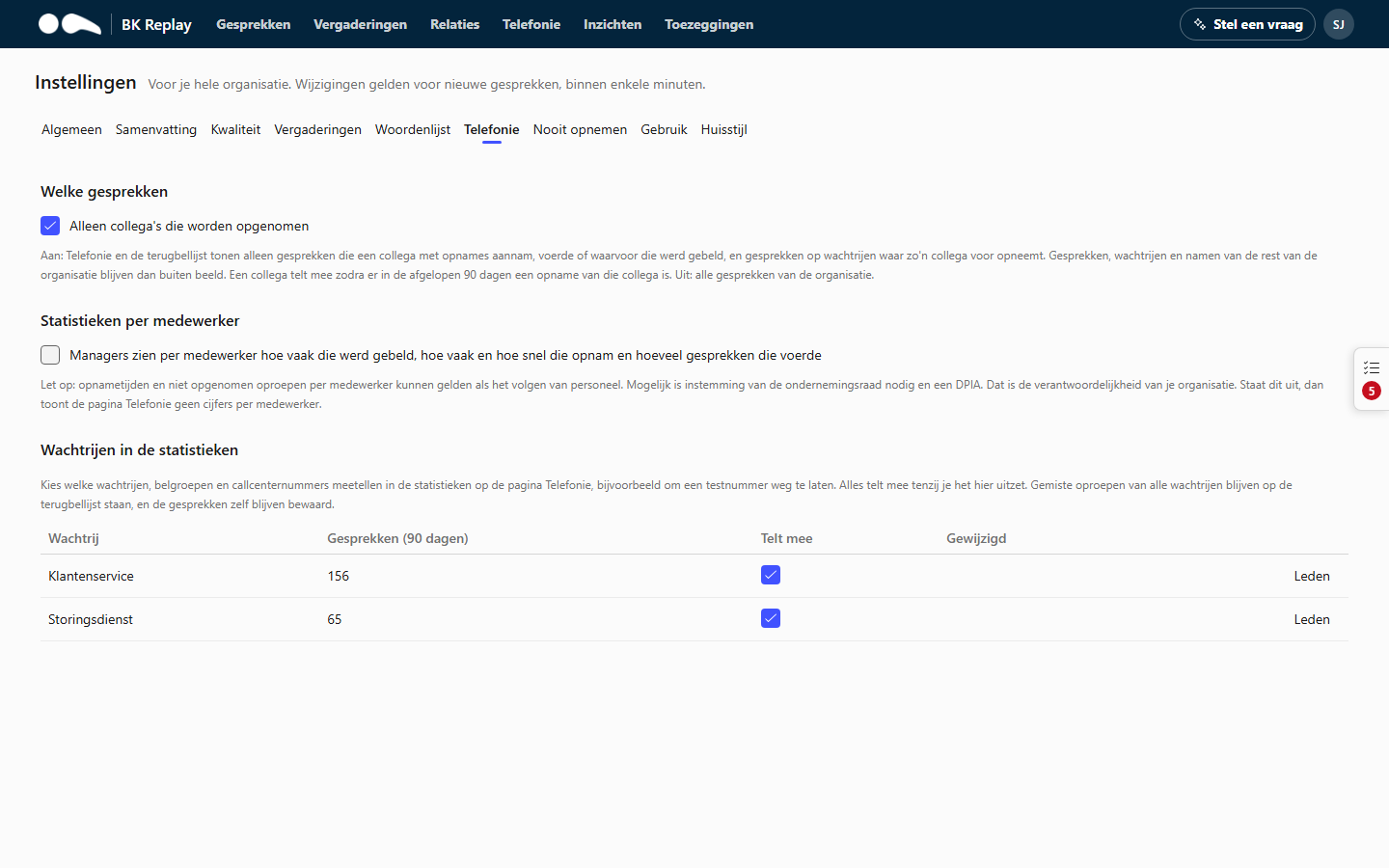
Which calls
Only colleagues who are recorded
- On: the Telephony page and the call-back list only show calls a colleague with recordings answered, made or was called for, and calls on queues such a colleague answers for. Calls, queues and names of the rest of the organisation stay out of view. A colleague counts as soon as there is a recording of them in the last 90 days.
- Off: all phone calls of the organisation.
Useful if you only record part of the organisation, for example one department.
Statistics per employee
On: Managers see on the Telephony page, per employee, how often they were called, how often and how quickly they answered and how many calls they had. Off (default): the page shows no figures per employee. Below the setting it says who last changed it.
This requires the Telephony insight add-on.
Answer times and unanswered calls per employee can count as monitoring staff. Works council consent and a DPIA may be required. That is your organisation's responsibility.
Queues in the statistics
The queues, call groups and call centre numbers that received calls in the last 90 days, with the number of calls. Switch Counts off to remove a queue from the statistics on the Telephony page, for example a test number. Everything counts unless you switch it off here. Missed calls of all queues stay on the call-back list, and the calls themselves are kept.
Members of a queue
Members next to a queue decides who sees that queue's missed calls under Missed calls (Managers and Administrators always see them).
- Automatic (default): whoever the queue rang in the last 30 days or who answered a call from it.
- Fixed list: add or remove colleagues and click Save. Suggestions lists colleagues the queue rang in the last 90 days or who answered a call from it.
- Back to automatic removes the fixed list.