
Settings: Summary
Here you tailor the summaries to your organisation. Leaving a field empty gives the default. The structure (summary, action items, follow-up, category) is the same for everyone, so integrations can rely on it.
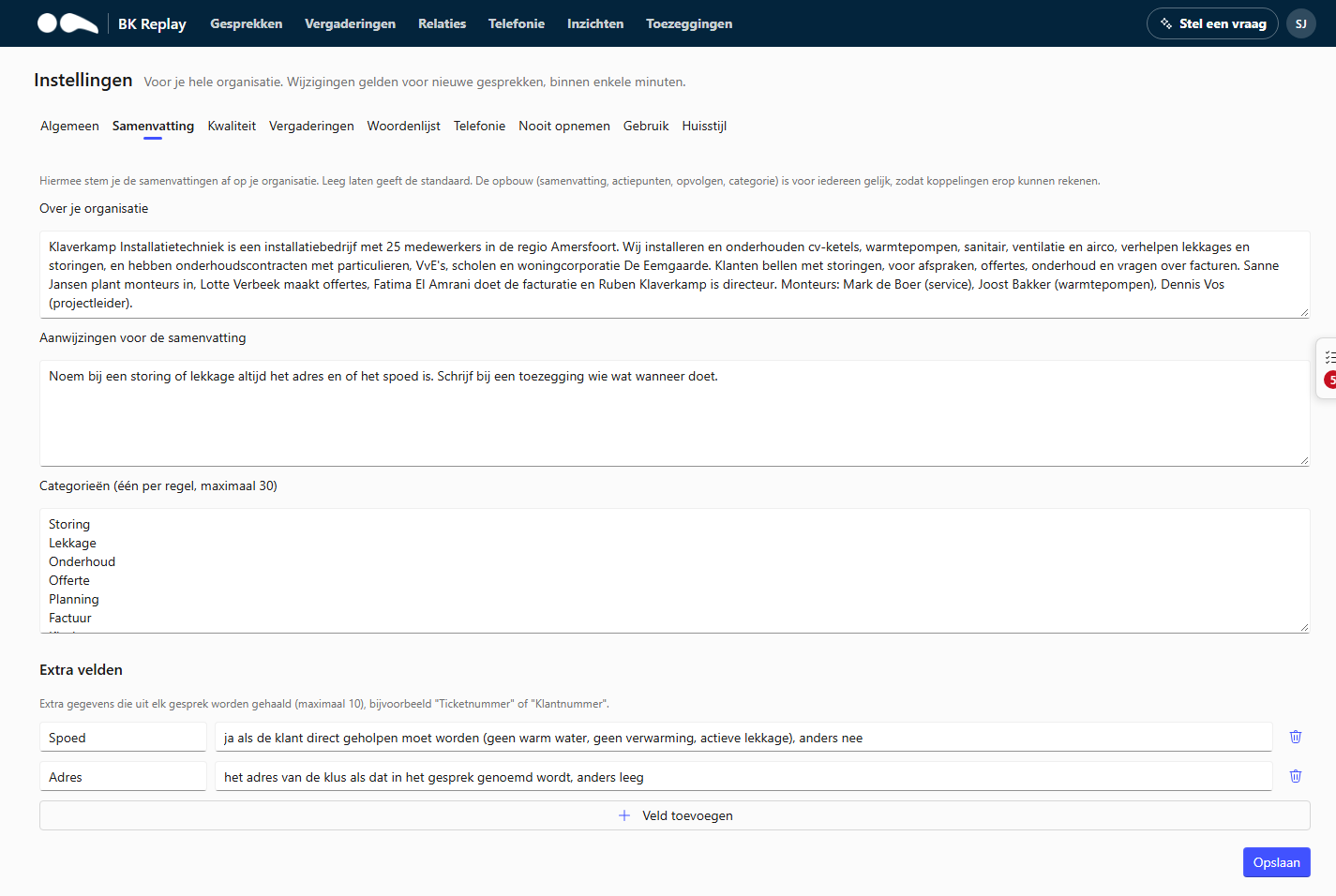
About your organisation
A few sentences about what your organisation does and what customers call about, up to 2000 characters. This helps the AI understand calls properly. For example:
We are an installation company for homeowners, housing associations and owners' associations. Customers call about faults in boilers and heat pumps, for maintenance and for quotes.
Instructions for the summary
What the summary must always do, up to 4000 characters. For example:
Always mention the ticket number if it is mentioned. A call-back request always needs follow-up. For a fault, mention the make and model of the appliance.
Categories
The categories the AI picks one from per call, one per line, at most 30. Empty means the default categories. Keep the list short and clearly distinct, for example:
Fault
Maintenance
Quote
Planning
Invoice
Supplier
Information
Categories are used in the Calls list and on the Insights page.
Extra fields
Extra details extracted from every call, at most 10. Give each field a name and describe what it should contain. For example:
| Name | What should it contain? |
|---|---|
| Ticket number | The ticket number if the caller or employee mentions it |
| Customer number | The caller's customer number, if mentioned |
| Appliance | Make and model of the boiler or heat pump |
Extra fields are shown with a call's summary and can be a column in the Calls list.
When does a change apply?
A change applies to calls summarised after it. Existing summaries stay as they are.