
Settings: Meetings
This tab is only there if the Meetings module is on for your organisation.
If someone invites BK Replay to a Teams meeting, BK Replay records it. On joining, BK Replay speaks an announcement as soon as someone is in the meeting (after half a minute). Teams shows no recording notice of its own for these recordings, so the announcement is the notice to the participants.
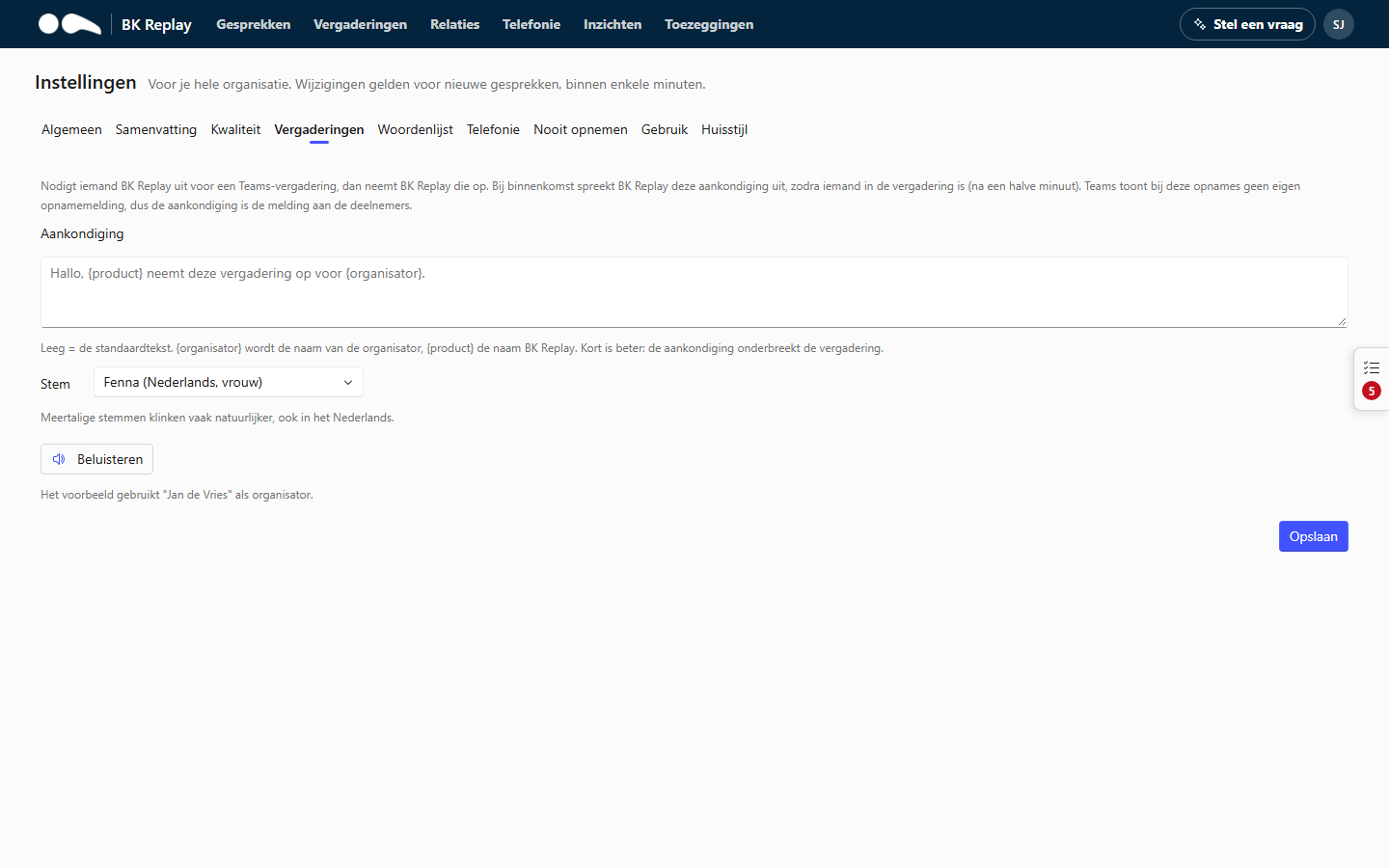
Announcement
The text BK Replay speaks, up to 500 characters. Empty means the default text.
{organisator}becomes the organiser's name.{product}becomes the product name (BK Replay, or the name from your branding).
Shorter is better: the announcement interrupts the meeting. For example:
This meeting is being recorded by , at the request of .
Voice
Choose one of the voices. Multilingual voices often sound more natural, in Dutch too.
Listen plays the announcement with the text and voice as they are in the form now, before you save. The preview uses "Jan de Vries" as the organiser.