
Settings: Never record
Calls with numbers on this list are never recorded, for example because you agreed with a customer that calls with them are not recorded.
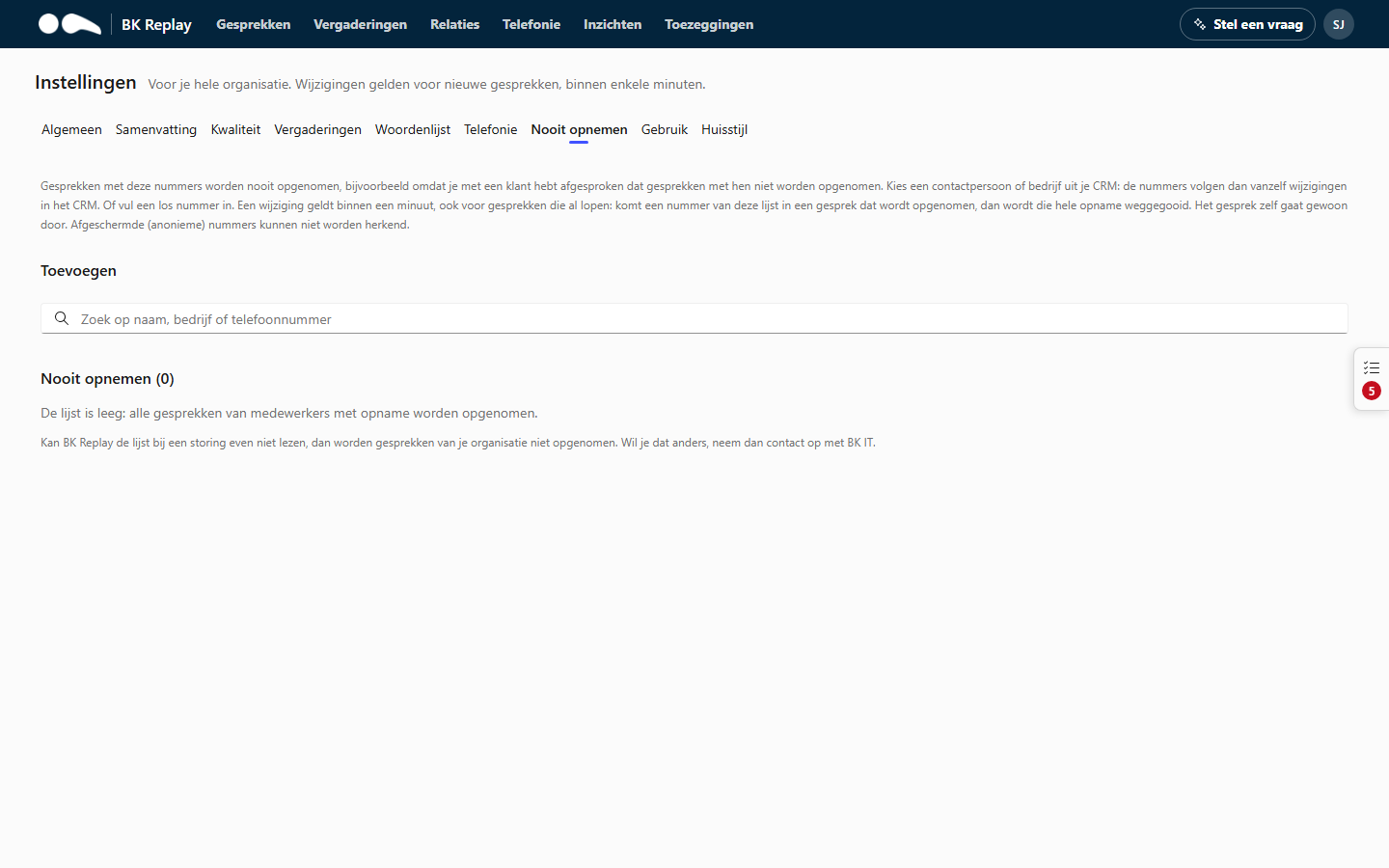
Adding
Search the search box by name, company or phone number.
- Company: all numbers of all contacts of that company in your CRM.
- Contact: all numbers of that contact.
- Single number: type the number and choose "Add number ...". At least 8 digits; short numbers are not possible.
If you choose a company or contact, the numbers follow changes in the CRM automatically: a new number of that contact is covered straight away. Add a note with the reason or agreement (optional, up to 500 characters) and click Add to the list.
How it works
- A change applies within a minute.
- The call itself carries on as normal. It is just not recorded, and the employee sees no recording notice in Teams.
- If a number on the list joins a call that is already being recorded (transferred or added), or you add a number to the list while the call is in progress, the whole recording is discarded.
- Withheld (anonymous) numbers cannot be recognised and are recorded as usual.
- If BK Replay briefly cannot read the list because of an outage, your organisation's calls are not recorded, to be safe. If you want that the other way round, contact BK IT.
- The list applies to phone calls, not to meetings.
- Calls with these numbers do count on the Telephony page and the call-back list: that is call data, not recordings.
The list
Each line shows who or which number it is, the numbers it covers, the note, and:
- Not recorded: how many calls have not been recorded since, and when the last one was.
- Earlier recordings: recordings from before the entry was added. They stay; the link opens the Calls list with those calls, so a Manager or Administrator can delete them.
- Added: when and by whom.
A contact or company that is no longer in the CRM is shown greyed out. The bin icon removes a line from the list. Every change is recorded in the audit log.