
Relations
Under Relations you find the companies, contacts and callers that calls were made with: your own calls, or those of the whole organisation if you are a Manager or Administrator.
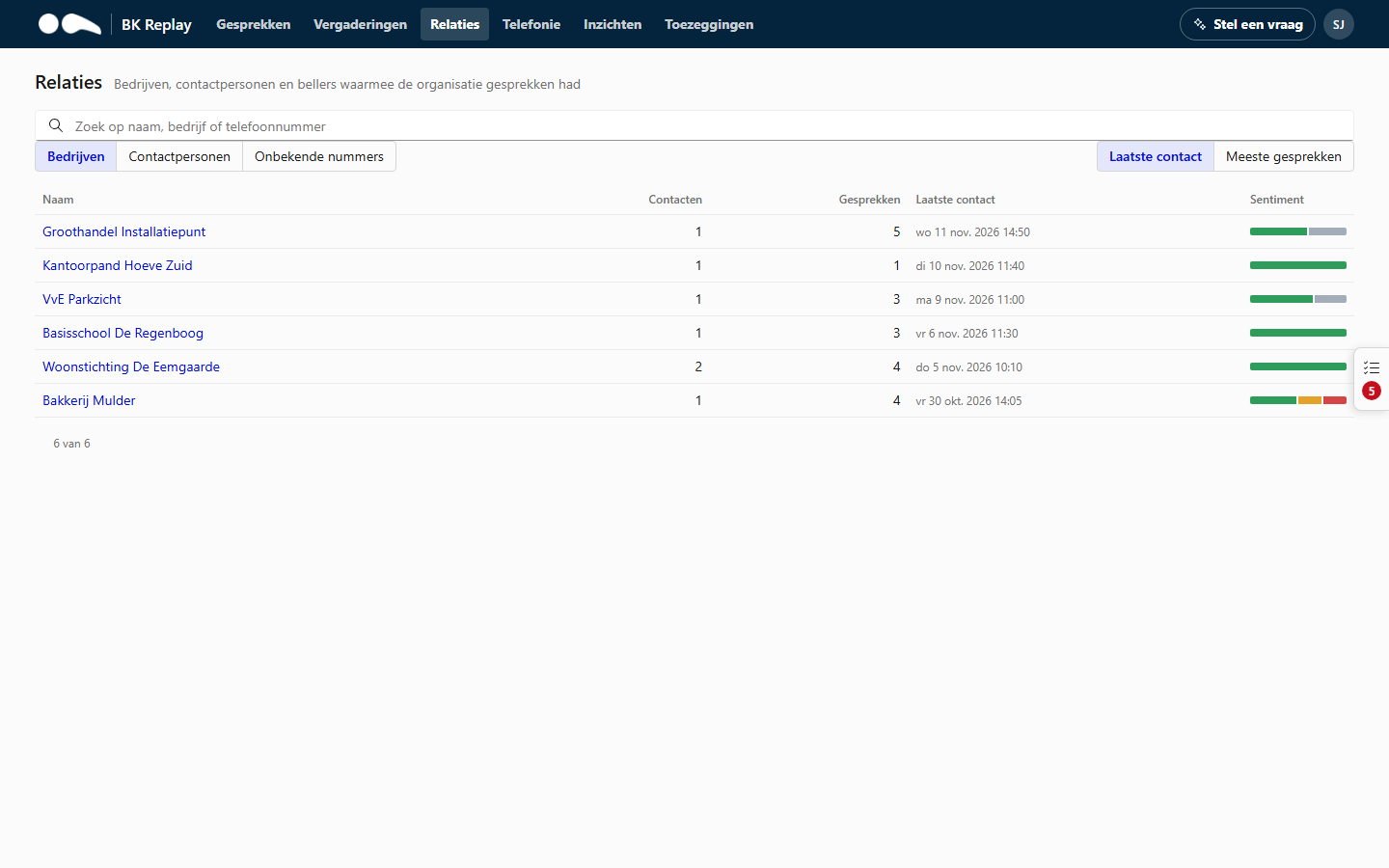
- Choose Companies, Contacts or Unknown numbers (numbers that are not in your CRM).
- Search by name, company or phone number.
- Sort by Last contact or Most calls.
Names and companies come from your organisation's CRM or PSA, if there is an integration. BK Replay fetches that data every night and recognises callers by their phone number. Without an integration you only see numbers.
A relation's page
Clicking a company, contact or number opens a page with everything about that relation:
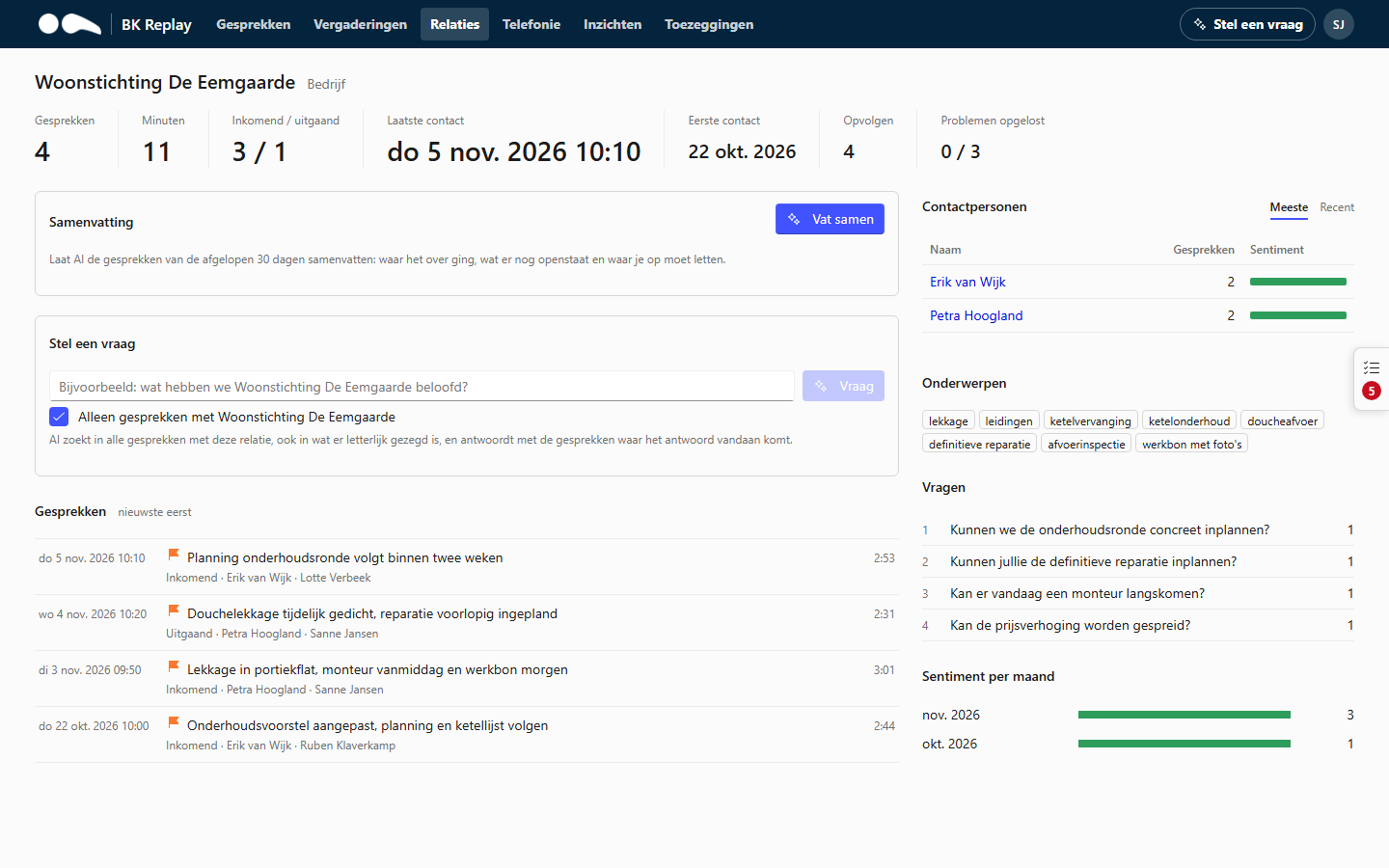
- Details: first and last contact, number of calls, incoming and outgoing, how often a call ended negatively and how many reported problems were solved during the call. With a link to open the relation in your CRM.
- Summarise: an AI summary of all calls with this relation, with what is still open and points of attention. Useful before you call a customer back.
- Ask a question: a question about the calls with this relation only (see Ask a question).
- Topics, questions and sentiment per month.
- The company's contacts, and any tickets created from calls.
- Calls: the list of all calls with this relation.
Everything on this page follows your role: you only see calls you would also see in the Calls list.