
Settings: Quality
Your own questions the AI answers per call with yes, no or n/a, with a short explanation. For example "Did the employee introduce themselves by name?" or "Was a follow-up appointment made?". Only Managers and Administrators see the answers, on a call's page and under Insights.
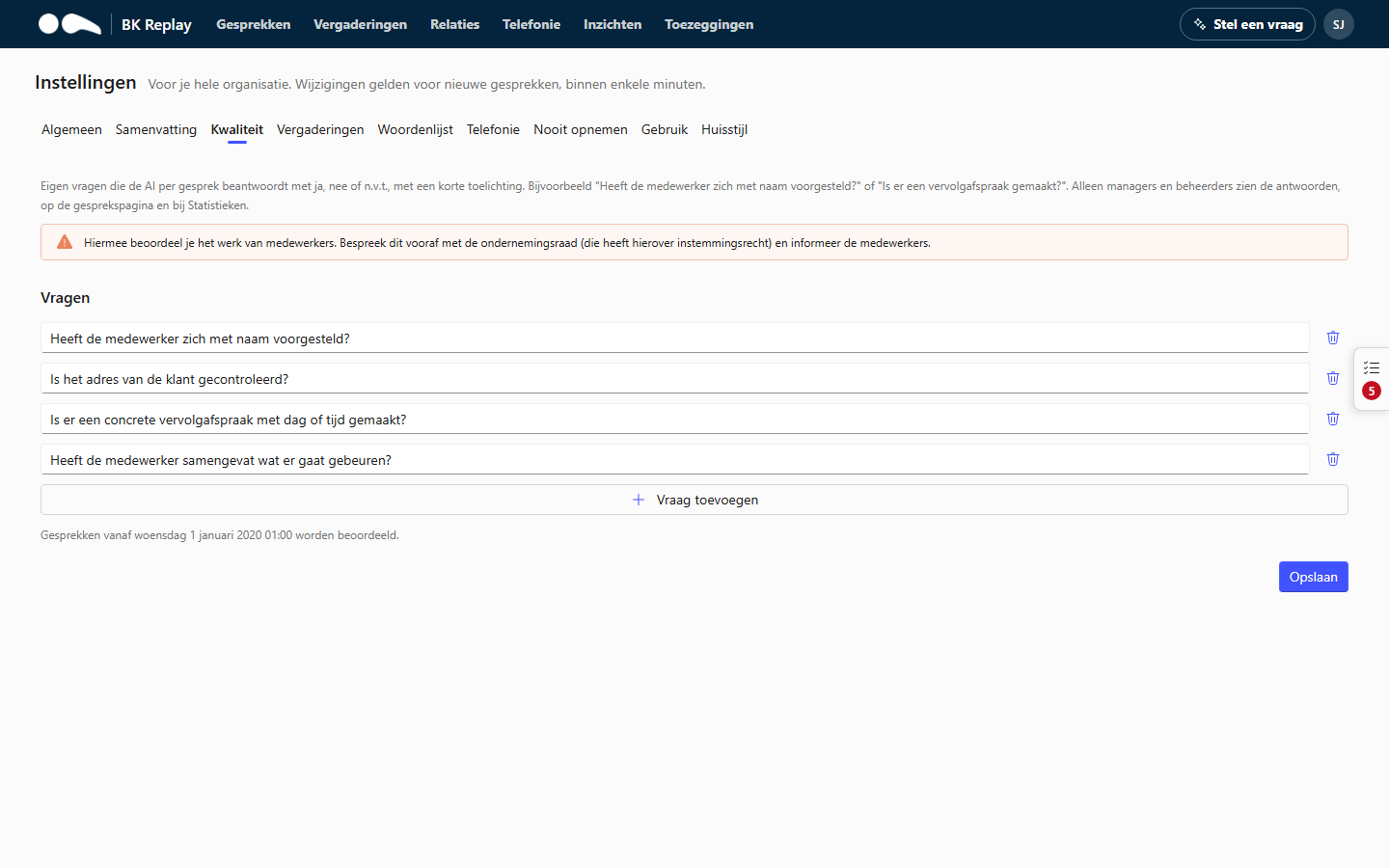
This assesses employees' work. Discuss it beforehand with your works council (which has a right of consent on this) and inform the employees.
Setting up questions
- At most 10 questions, each up to 300 characters.
- Ask questions that can be answered yes or no from the call itself. "Did the employee check the customer's address?" works; "Was the customer happy with our service?" is harder to judge.
- Use n/a situations deliberately: a question about a follow-up appointment does not apply to a call in which nothing was arranged.
Which calls are assessed?
After changing the questions, you choose when saving:
- Only new calls, from now on, or
- Also the calls of the last 30 days. This costs extra AI usage once and takes a while.
Calls that already have answers keep them; only new or changed questions are asked. A changed question counts as a new question. Below the questions it says from when calls are assessed.